![thrivable-light.png]](https://help.thrivable.app/hs-fs/hubfs/thrivable-light.png?height=40&name=thrivable-light.png)
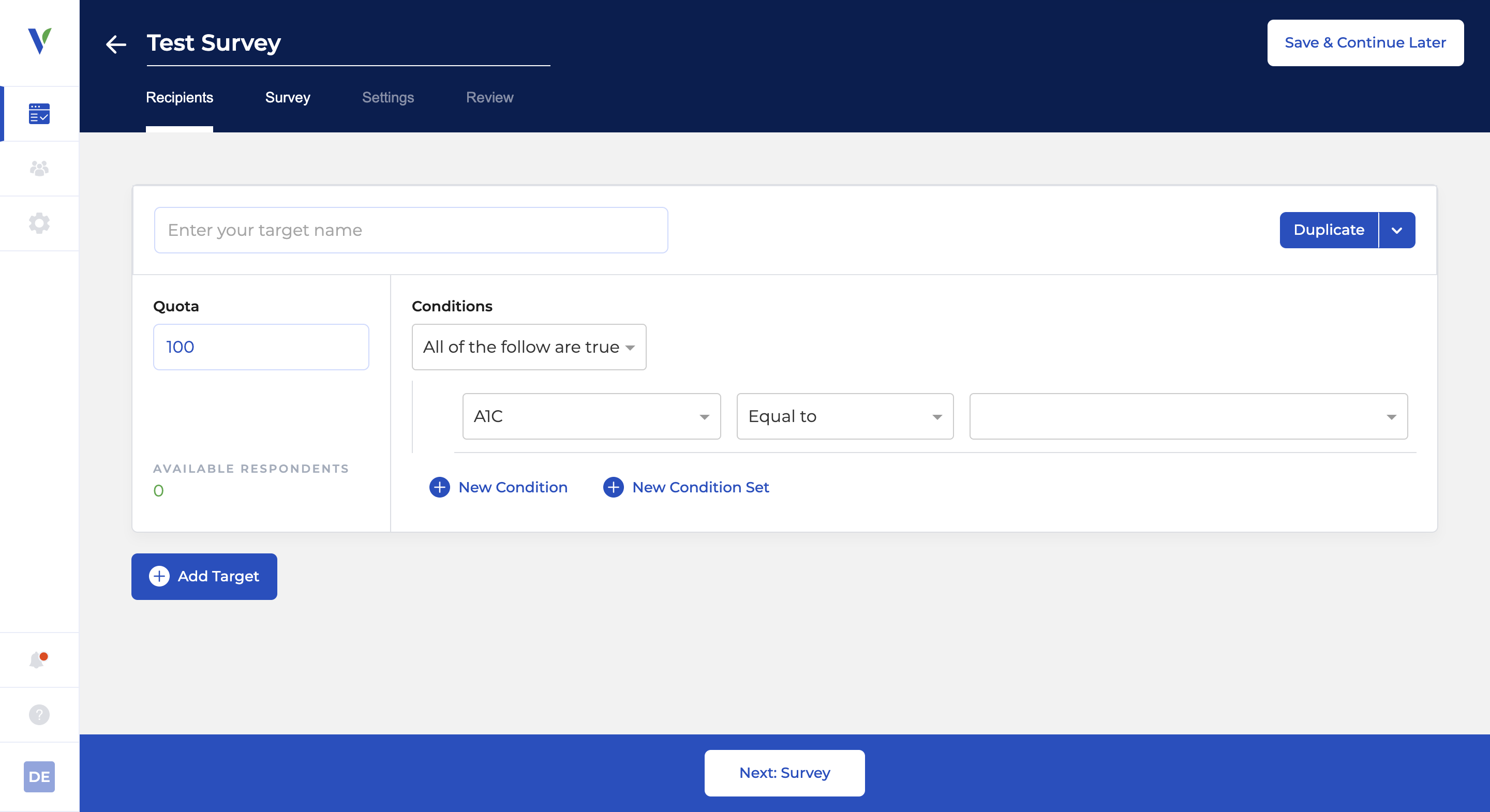
The Recipients tab enables you to:
- Create groups of survey respondents based on panelist profile data.
- See the total available number of respondents in each group.
- Select the number of respondents you would like in that group (the "Quota").
Target Names
You can select the name of each Target. This name will appear in any reports or downloads.
Conditions
“Conditions” refers to the conditions a respondent must meet in order to be included in a targeting group.
Condition Set Logic
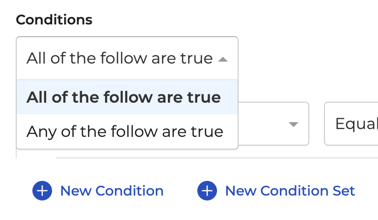
You can create groups of "Condition Sets" where either "All of the following are true" or "Any of the following are true":
Profile Fields
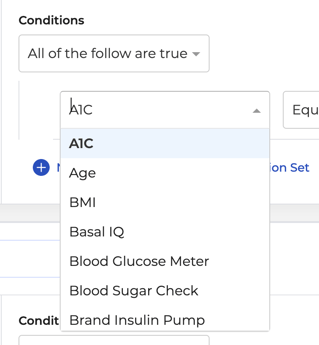
You can use the "Profile Field dropdown to select a profile field and apply a logical statement to the data that the profile field contains.
Useful Feature:
Quotas
The "Quota" is the number of total respondents you want from the targeting group. The system will automatically manage survey distributions to reach the quota number.
Tip:
Overlapping Targets
Typically, users prefer to have no overlap between their different targets. If there are respondents that may appear in multiple groups, you will receive a warning. You will likely wish to adjust your targeting criteria so that each group is unique.
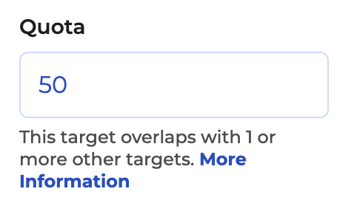
Here is what it looks like when you click on More Information:

Duplicating Targets
You can use the Duplicate Target button to easily make a copy of a targeting group.